
Customizable filters
Set the minimum file size to include in the results.
Find large files with configurable size filters, then open their location in File Explorer to decide what to keep, move, or delete.
The download opens in a new Google Drive tab.
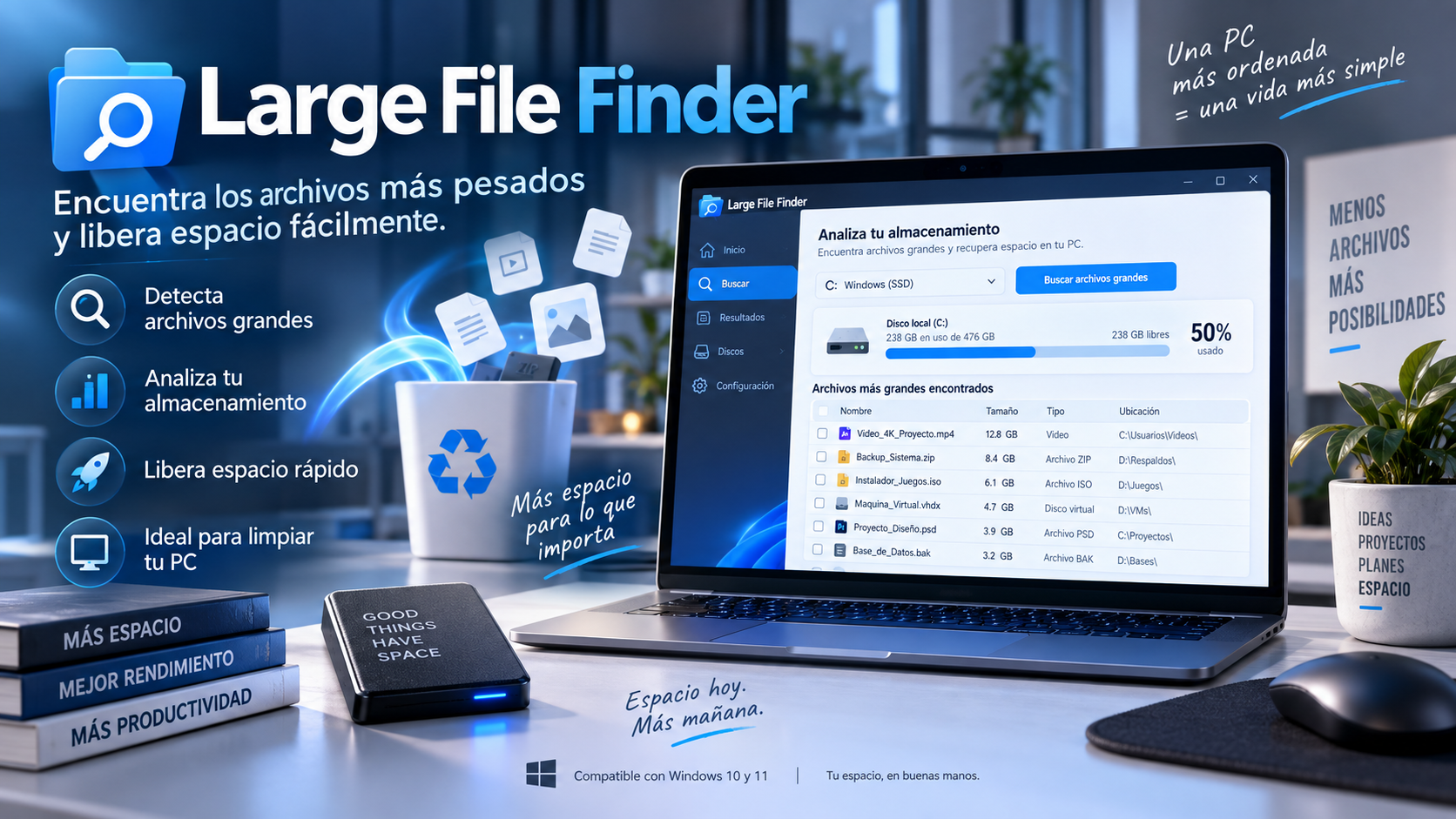
What is Large File Finder
Large File Finder helps to detect large files that can pass unnoticed on old folders, Downloads, projects, backups or virtual machines.
Adjust the size threshold to focus on the files that matter to you, and open each result with the file selected in Windows File Explorer.
Key features
Set the minimum file size to include in the results.
Open File Explorer with the file selected to review it in its original location.
Skips protected core system paths during the scan.
Prioritize files that can really make a difference in your available storage.
Use cases
Find forgotten installers, ISOs, ZIP files, and large videos.
Find virtual disks or images that occupy several gigabytes within old projects.
Find large renders, screenshots, proxies, and exports that have accumulated over time.
How to use it
Select the drive or folder you want to analyze.
Adjust the minimum size to focus your search on large files.
Open each file in File Explorer and decide whether to keep, move, or delete it.
Guide and tips
As you use your computer, free space can shrink without it being obvious which files take up the most storage. Videos, virtual machines, backups, old installers, and multimedia projects can grow quickly.
Windows provides basic storage information, but finding the specific files taking up the most space can require searching through many folders manually.
Large File Finder simplifies this process by analyzing the selected locations and showing the files that exceed the indicated size. This allows you to quickly find which elements deserve a review before moving or removing them.
Before deleting a large file, check its location and purpose. Some files may be important for applications, personal projects, or backups.
Frequently asked questions
Its main purpose is to find and display large files so you can decide what to do with them.
Yes. It includes customizable size filters to adapt the search to your disk and needs.
Yes. You can open Windows File Explorer with the found file selected.
The stated architecture incorporates automatic exclusions for protected directories from the Windows core.
You may also like
UtiliTools Pro Desktop
A focused, portable utility designed to handle its task without unnecessary complexity.