
Recursive scan
Scan folders and subfolders to find empty directories throughout the folder structure.
Recursively scan drives and folders for empty directories, select them in groups, and clean up old structures that no longer contain files.
The download opens in a new Google Drive tab.
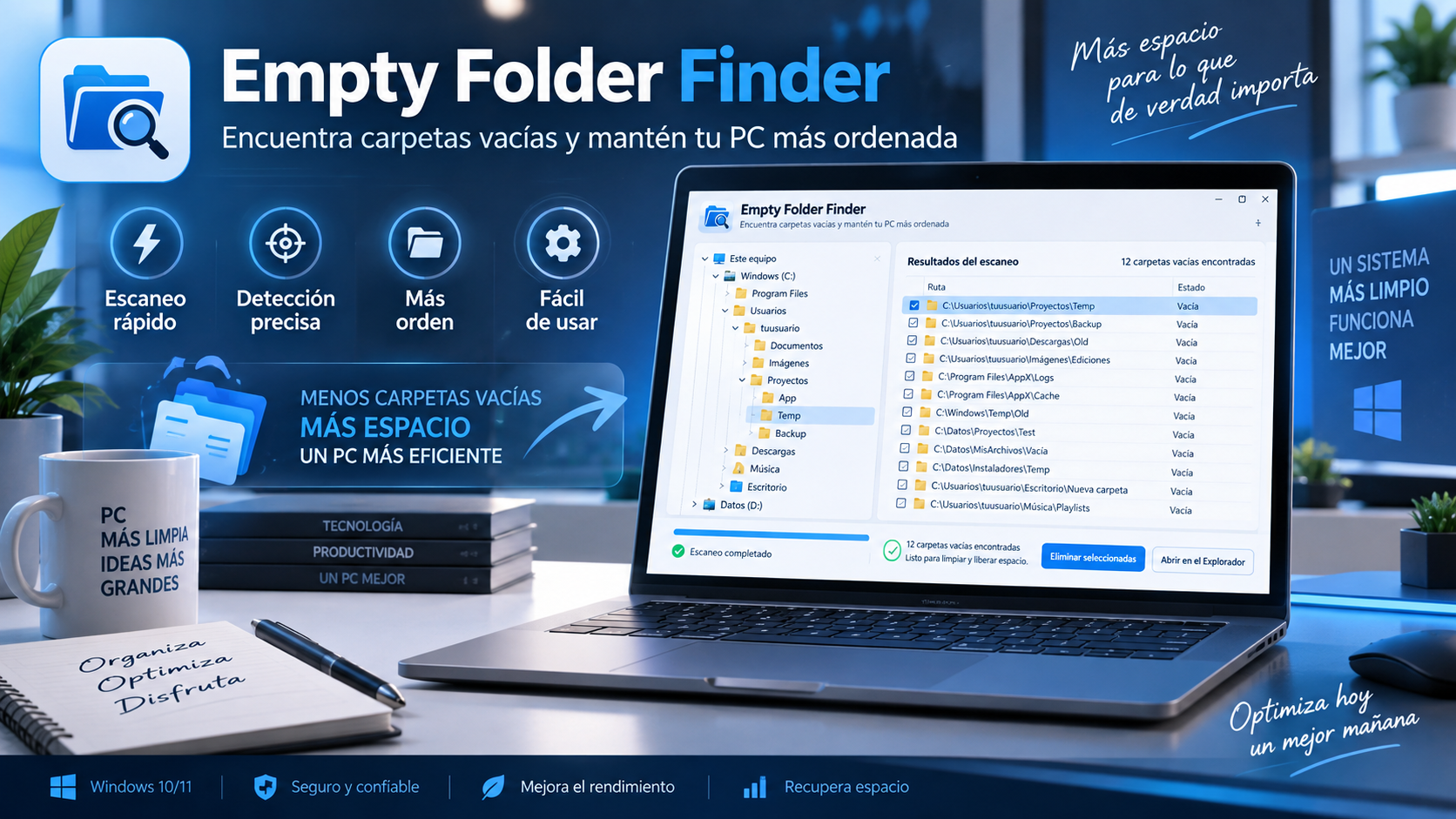
What is Empty Folder Finder
Uninstallers, old projects, and applications can leave empty folders scattered across your drive. Empty Folder Finder scans the selected folder structure to find them automatically.
After analysis you can review the results, select several folders and remove only those you have decided to clean.
Key features
Scan folders and subfolders to find empty directories throughout the folder structure.
Select multiple results to clean up faster than handling each one individually.
Results appear before deletion so you can decide which folders to keep.
It is run as an autonomous utility without requiring a traditional installation process.
Use cases
Find empty folders that have been left after removing programs.
Clean up folder structures that contain no files but still have many nested folders.
Review secondary drives or backups to remove empty directories and make browsing easier.
How to use it
Choose the root drive or folder you want to review.
Let the application go through subdirectories and gather those that are empty.
Select only the folders you want to remove and confirm the operation.
Guide and tips
Empty folders can appear as a result of normal use of Windows. Installing and uninstalling programs, reorganizing projects and removing files can leave directories that no longer contain any elements.
An empty folder usually takes up very little space, so deleting it will not free up much storage. The main benefit is keeping directory structures tidy and easy to navigate.
Empty Folder Finder recursively scans your selected location for directories with no files or nonempty subdirectories. This is especially useful when folders are scattered across project structures, old archives, or secondary drives.
Before deleting an empty folder, check its location and purpose. Some folders are deliberately created for applications to use later, so the final decision should remain with the user.
Frequently asked questions
This is not an automatic cleanup to run without review: the app shows results and lets you select items before deleting them.
Yes. It scans recursively through entire folder structures.
Its purpose is to detect empty directories in the drive or location the user selects.
No. It is designed as a portable self-contained utility.
You may also like
UtiliTools Pro Desktop
A focused, portable utility designed to handle its task without unnecessary complexity.