
Comparison by size
Reduce processing by grouping potential matches before performing a more thorough check.
Find duplicate files by comparing their sizes, then checking their contents with MD5 hashes to distinguish exact copies from different files.
The download opens in a new Google Drive tab.
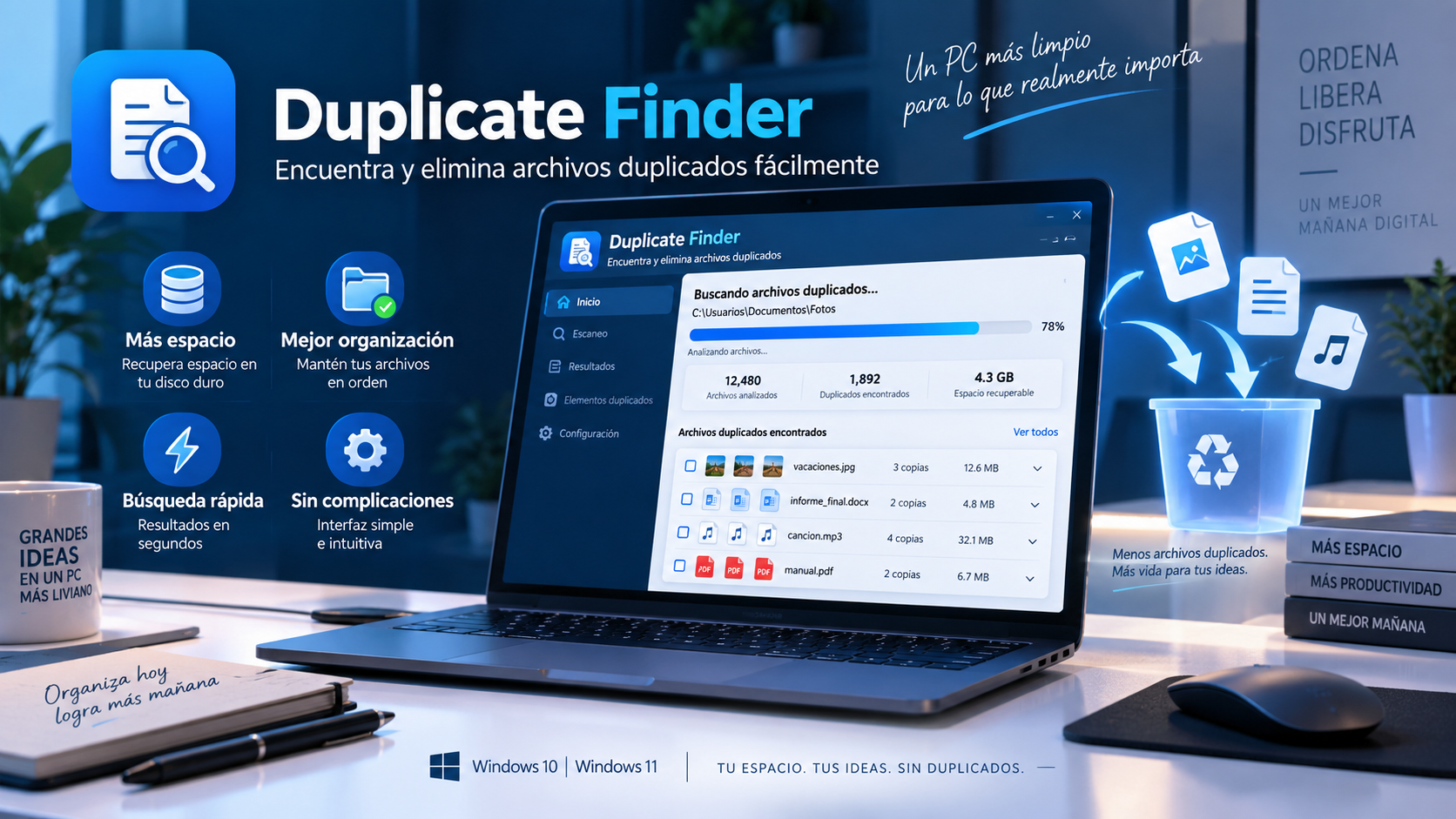
What is Duplicate Finder
Duplicate Finder is designed to locate documents, photos, music, videos and other files that have been saved several times in different folders.
The analysis combines file size with MD5 hash verification. Files are not considered duplicates simply because they share a name or have a similar size: their contents are checked to identify exact matches.
Key features
Reduce processing by grouping potential matches before performing a more thorough check.
Check file contents to identify exact copies, rather than relying only on filenames.
Uses multiple processor cores to scan large collections faster.
It helps you locate redundancies so you decide which ones to keep and which ones to remove.
Use cases
Find duplicate copies that have built up across folders, backups, and exports.
Find identical media files saved under different names or in different locations.
Check duplicate copies distributed among old projects, downloads and backups.
How to use it
Choose the folder or drive you want to review for duplicates.
The application filters candidates and verifies the exact matches by hash.
Check the locations found and keep the copy you really want to maintain.
Guide and tips
Duplicate files can build up through normal computer use. Downloading the same document more than once, importing photos from different devices, or creating backups can produce duplicates without you noticing.
Over time, these copies can occupy a significant amount of disk space, especially in folders with photographs, videos, personal projects and documents.
Duplicate Finder finds matches through a step-by-step comparison. It first groups potential duplicates by size, then checks their contents using hashes to identify exact copies.
Always review the results before deleting duplicate files. The tool helps you find duplicates, and you decide which files to keep.
Frequently asked questions
Compare file sizes and verify MD5 hashes to check that the contents are identical.
Yes. Name is not the only sign, so two identical files can be detected even if they have different names.
No. It serves as a fingerprint for comparing file contents and confirming matches during duplicate detection.
Yes. It is a standalone app that runs without a traditional installation process.
You may also like
UtiliTools Pro Desktop
A focused, portable utility designed to handle its task without unnecessary complexity.