
Keep-awake mode active
Temporarily overrides Windows idle settings while you need your computer to stay awake.
Keep Windows from sleeping, turning off the display, or starting the screensaver during long tasks, transfers, or presentations.
The download opens in a new Google Drive tab.
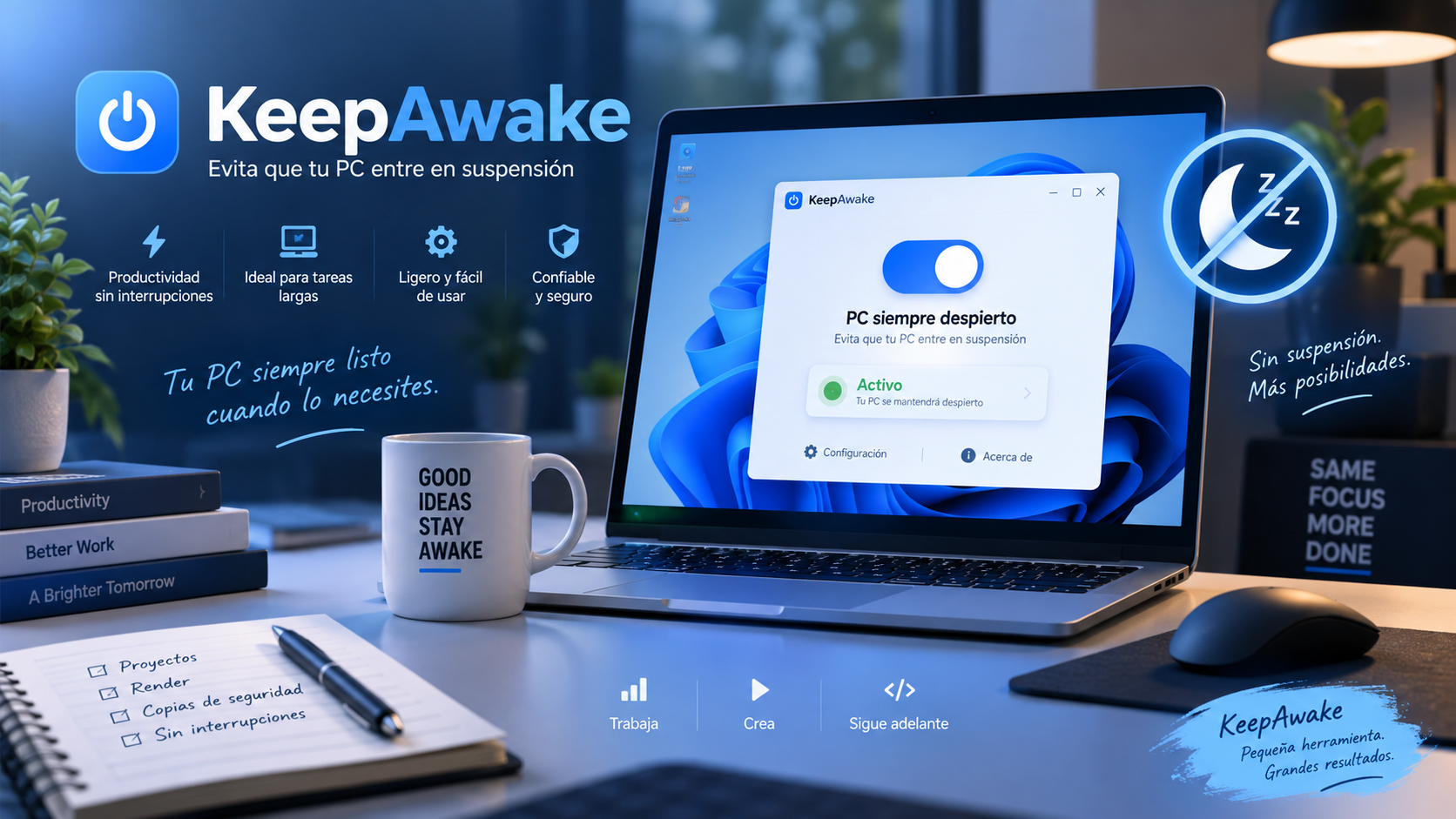
What KeepAwake is
UtiliTools.KeepAwake is a small desktop utility for Windows designed to avoid inactivity behaviors that can interrupt an important task.
When you enable keep-awake mode, the app prevents automatic sleep, screen shutoff, and the screensaver from starting. Turn it off when you are finished, and Windows returns to normal operation.
Key features
Temporarily overrides Windows idle settings while you need your computer to stay awake.
Minimize KeepAwake to the notification area so it keeps running in the background without taking up taskbar space.
It is distributed as a single independent executable (.exe), without installation or external dependencies that you have to set up.
The multi-resolution icon is embedded within the application itself through the internal WPF resources.
When to use it
Keep the equipment awake while a download needs to continue for several minutes or hours.
Keep Windows awake while running tasks you do not want interrupted.
Keep the display on and prevent the screensaver from appearing while you present content.
Use it while you move or copy large amounts of files and want to keep the PC available.
How to use it
Run KeepAwake directly. You don't need to complete an installation process.
Enable this to keep Windows awake while you work or give a presentation.
You can leave it working from the system tray and turn it off when you don't need it anymore.
Guide and tips
Windows uses sleep and other power-saving features to reduce energy use when your computer is idle. This is useful in everyday use, but sometimes you need your computer to keep running even when you are not interacting with it.
For example, a large download, file transfer, lengthy process, or presentation can be interrupted if Windows goes to sleep or turns off the display while you still need the computer to stay active.
KeepAwake lets you temporarily prevent sleep during these tasks. The app runs in the system tray, so it can work in the background without an open window on your screen.
Use keep-awake mode only for as long as you need it. When the task is finished, turn it off so Windows can resume its normal power-saving behavior.
Portability
KeepAwake is built as a standalone executable in a single file. You can carry it with you and run it without installing additional components.
Its multi-resolution icon is also directly integrated into the internal resources of the WPF application, maintaining a Windows-consistent visual identity.
Frequently asked questions
KeepAwake prevents Windows from sleeping, turning off the display, or starting the screensaver while you need your computer to stay awake.
No. KeepAwake is compiled as a single standalone executable (.exe), so you can run it directly without installing external dependencies.
Yes. KeepAwake integrates with the Windows system tray. It can minimize to the notification area and keep running without taking up taskbar space.
It is useful for large downloads, file transfers, long-running processes, presentations, and any task where you want to prevent Windows from activating its idle behavior.
Yes. Turn on keep-awake mode only when you need it, then turn it off to restore Windows’ normal power-saving behavior.
The download is currently hosted on Google Drive. The download button opens the file in a new tab so you can continue from there.
You may also like
A portable utility to keep Windows awake for long tasks, presentations and processes you don't want to interrupt.
Open download in Google Drive ↗