
Detection of orphan entries
Find references that no longer appear to point to existing software or file paths.
Scan leftover Windows Registry entries and clean them up with control over what changes, creating a .reg backup first.
The download opens in a new Google Drive tab.
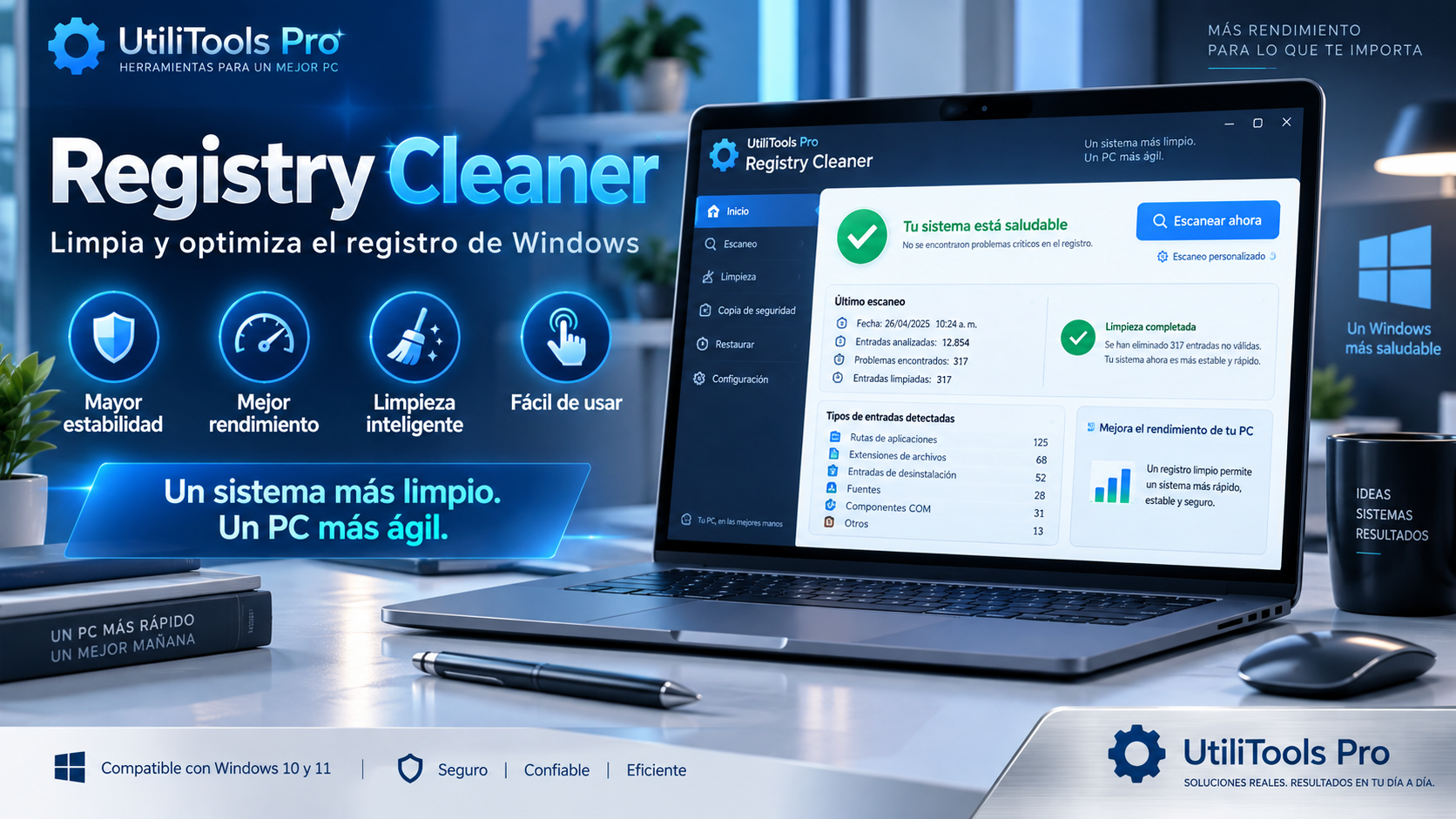
What is Registry Cleaner
Registry Cleaner looks for references that may remain after uninstalling software and helps to review orphan entries before removing them.
Before a cleanup, the application creates a .reg backup of the affected keys. When working in protected system areas, it requests administrator privileges through UAC.
Key features
Find references that no longer appear to point to existing software or file paths.
Create a backup before cleanup to make it easier to restore the data later.
Requests privileges through UAC when it needs to inspect protected Registry areas.
Focuses on reviewing and cleaning up leftover references without unnecessary modules.
Use cases
Check references that have been associated with programs that you no longer use.
Scan leftover entries to see which outdated references remain on your system.
Save a .reg backup of the affected entries before making changes.
How to use it
Windows will display the UAC request needed to access protected areas.
Analyze the results before selecting the entries you want to clean.
Keep the .reg automatic copy and confirm only any changes you have reviewed.
Guide and tips
The Windows Registry stores information used by the operating system and many installed apps. When a program is uninstalled, its uninstaller may remove some of this information, but some entries can remain, depending on how the software was developed.
A leftover reference does not necessarily mean something is wrong with Windows. Some entries retain settings or information that a program may need if reinstalled, while others no longer serve a purpose after uninstallation.
Registry Cleaner helps identify references that appear to be orphaned. It analyzes the relevant entries and lets you review the results before making any changes.
The Registry is an important part of Windows, so any changes should be made carefully. The app creates a .reg backup before cleanup, giving you a copy of the affected keys that can be used if restoration is needed.
Frequently asked questions
Because some Registry hives are protected and require elevated privileges to read or modify them.
Yes. The application is designed to generate a .reg backup before applying the cleaning.
No. Its main purpose is to remove orphaned references and keep the Registry organized. Any effect on performance depends on your system and is not guaranteed.
No. It is distributed as a single file portable executable.
You may also like
UtiliTools Pro Desktop
A focused, portable utility designed to handle its task without unnecessary complexity.