
Detailed audit
Shows useful information about deleted items so you can review them before cleanup.
View deleted items with their sizes and dates, and empty selected items or the entire Recycle Bin across your drives.
The download opens in a new Google Drive tab.
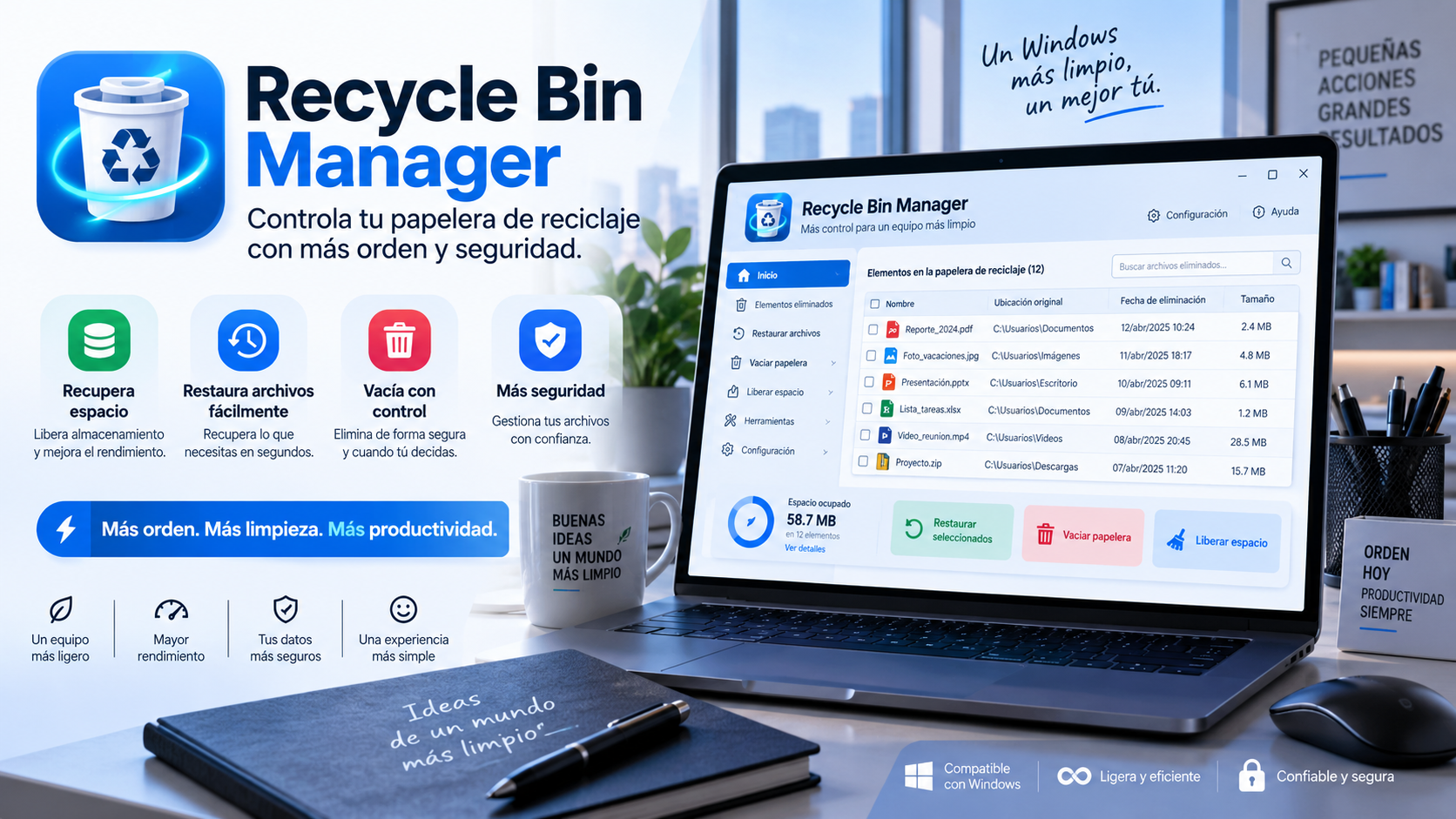
What is Recycle Bin Manager
Recycle Bin Manager provides a detailed view of the Recycle Bin so you can review what you deleted and how much space it still occupies.
Integration with native Windows Shell APIs lets you inspect items and empty selected contents or the entire Recycle Bin, according to the options available in the app.
Key features
Shows useful information about deleted items so you can review them before cleanup.
Helps identify which deleted files still take up the most disk space.
Shows when each item was sent to the Recycle Bin.
It offers more control than simply emptying everything without reviewing the content previously.
Use cases
Find large files you deleted that are still stored in the Recycle Bin.
Review dates and items before permanently deleting anything.
Manage Recycle Bin contents across different drives on your computer.
How to use it
View the available items along with their sizes and dates.
Choose whether to remove specific items or empty a larger selection.
Run the cleanup only after checking which content you no longer need.
Guide and tips
When you delete a file in Windows, it usually stays in storage for a while. Items sent to the Recycle Bin remain there until they are restored or the bin is emptied, so they can still take up space on the drive.
This can go unnoticed for a long time. Photos, videos, installers, and other large files can remain in the Recycle Bin after deletion, especially if it is not emptied regularly.
Recycle Bin Manager lets you review Recycle Bin contents with details such as file size and deletion date. This helps you identify which items still occupy space before cleaning up.
Emptying the Recycle Bin permanently deletes the files it contains. Review the items before confirming deletion and make sure there are no files you still want to restore.
Frequently asked questions
Yes. The stated purpose includes audit of the actual size by element and date of elimination.
Yes. It includes global emptying options as well as selective management.
It is designed to inspect and manage Recycle Bin contents across your system drives.
No. It is distributed as a portable application for Windows.
You may also like
UtiliTools Pro Desktop
A focused, portable utility designed to handle its task without unnecessary complexity.